My Nanote Next!
All pictures taken on ALT MIVE Style Folder AT-M120 phone, crunched in Photoshop to reduce file size
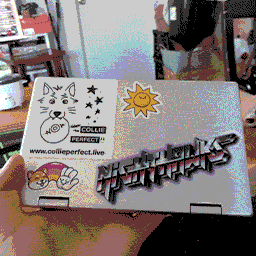
My Nanote Next! I've applied some stickers to personalise it, I hope to cover it completely!!
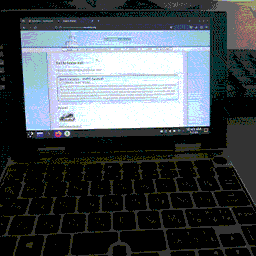
At the start, I tried to install Tiny11, (a lightweight Windows 11) as the stock OS was in japanese, and try as I might, I couldn't get it to display in english, it also ran slowly. Unfortch, Tiny11 ran even worse! So in the end, I installed Arch Linux, and it runs super smooth, and consumes much less battery. The touch screen doesn't work, but I'm told there's workarounds, I'm new to Linux so I'm still wrapping my head around it, so that's a later fix.
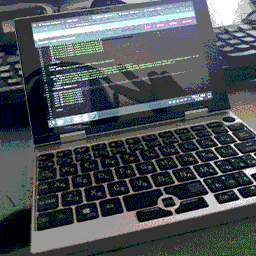
Here's me workin on my website! I bought this little thing so I could work on my website on the go, and I wanted to give it a whirl before trying out in the field. I think I might grab a small USB mouse, as the touchscreen is still not functional, and the mouse nub, while not as bad as others have said, is a little slow. Otherwise, it's working flawlessly, it's everything I wanted!!! Expect me to update my site more, as now I can do so anywhere!!!!!